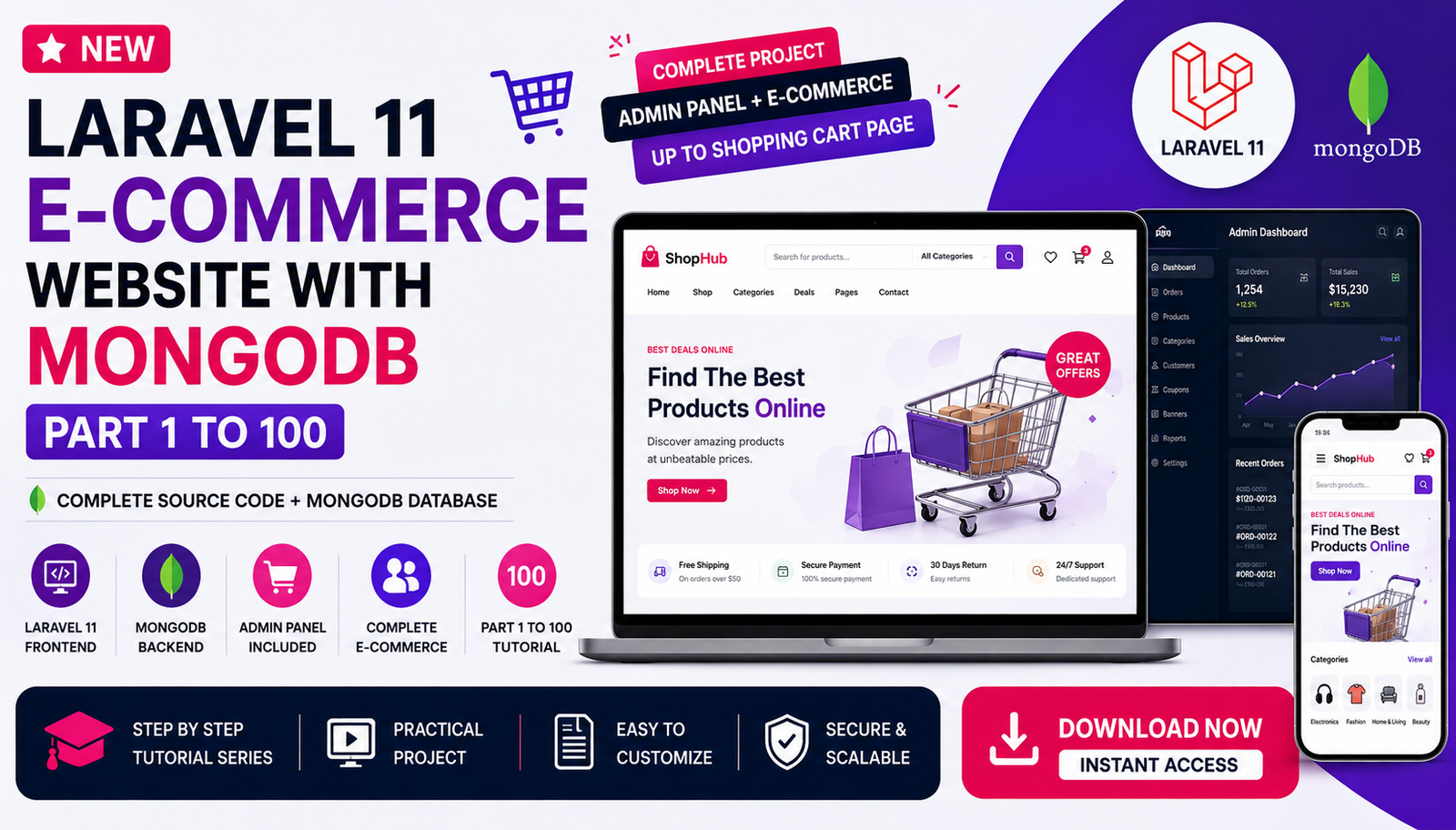
Laravel 11 E-commerce Website with MongoDB (Part 1 to 100) Source Code
Laravel 11 E-commerce Website with MongoDB (Part 1 to 100) complete source code with database, including the Admin Panel and Admin & E-commerce related modules.
Get access to 10+ free resources worth ₹5,000+ including source code, HTML templates, scripts and other developer resources.
🎓 Laravel 11 E-commerce Website with MongoDB – Parts 1 to 100
📥 Complete Source Code + MongoDB Database
Welcome to the Laravel 11 E-commerce Series with MongoDB.
This project series covers the development of an E-commerce Website Admin Panel using Laravel 11 and MongoDB, including Admin and E-commerce related modules completed up to Part 100.
You can download the complete Laravel 11 E-commerce Website with MongoDB source code for Parts 1 to 100, including the database, and use it to learn how Laravel works with MongoDB while developing an E-commerce application.
📦 WHAT YOU GET
The Parts 1–100 source code includes:
• Laravel 11 E-commerce Website • MongoDB Database • E-commerce Admin Panel • Admin Related Modules • E-commerce Related Modules • Complete Source Code • Database • Project Files Covered Through Part 100
📥 HOW TO DOWNLOAD
1️⃣ Visit SiteMakers
Open:
2️⃣ Login to Download
Click on the "Login" link and enter the Username and Password that you receive after joining as an Advance Member.
Join the Stack Developers Channel Membership:
https://www.youtube.com/channel/UCExO2i-tLU1NyVZD6zOJQlw/join
3️⃣ Download the Source Code
After logging in, click on the "Click Here to Download" link to download the Laravel 11 E-commerce Website with MongoDB (Part 1 to 100).
The source code will be downloaded in ZIP format along with the database.
🛠️ LARAVEL 11 + MONGODB PROJECT SETUP
Follow these steps to set up the project on your local development environment.
1️⃣ Extract the Project
Download the ZIP file and extract it into your local server directory.
For example:
C:\xampp\htdocs\
2️⃣ Create the MongoDB Database
Create a MongoDB database named:
project11_100
3️⃣ Run Migrations and Seeders
Open your terminal inside the project directory and run:
php artisan migrate:fresh --seed
This command will create all required documents (tables) along with the available data in MongoDB.
4️⃣ Start the Laravel Development Server
Run:
php artisan serve
The Laravel 11 E-commerce project will then be available through the Laravel development server.
🗄️ MONGODB DATABASE
This project uses MongoDB as its database.
Database Name:
project11_100
The included database and seeders allow you to set up the project and its data while following the Laravel 11 E-commerce series.
👨💻 ADMIN PANEL
The project includes the E-commerce Admin Panel along with the Admin and E-commerce related modules developed throughout Parts 1 to 100.
Explore the available modules after completing the project setup.
👨💻 WHO IS THIS PROJECT FOR?
This Laravel 11 + MongoDB project is useful for:
• Laravel developers • PHP developers • Laravel learners • MongoDB learners • E-commerce developers • Freelancers • Students • Developers interested in Laravel and MongoDB
It provides a practical project for learning Laravel 11 with MongoDB while developing an E-commerce application.
📢 Stay connected with Stack Developers for more Laravel tutorials, source code and real-world development projects.
👍 Like 💬 Comment 📢 Share 🔔 Subscribe
Stay tuned for more Laravel tutorials and projects!
| Category | MongoDB |
|---|---|
| Difficulty Level | Intermediate |
| Laravel Version | Laravel 11 |
| PHP Version | PHP 8.2 |
| Membership | Premium Stack Developer |
| Source Code | Included |
| Price | ₹999.00 |
| Last Updated | 10 Aug 2026 |
Related Source Code
Laravel 11 E-commerce Website with MongoDB (Part 1 to 50) Source Code
Laravel 11 E-commerce Website with MongoDB (Part 1 to 50) complete source code with databa...
🎓 Included in Starter Stack Developer
Complete Laravel 11 E-commerce Website with MongoDB
Complete Laravel 11 E-commerce Website source code built with Laravel 11 for the frontend...
🎓 Included in Advance Stack Developer